How to Sign Up
Discover how NEXUS Net-Zero simplifies your EV charging experience
Download the App
Start your journey by downloading from App Store or Google Play
Sign in or Continue as a guest
Sign in for full features, or continue as a guest for limited access.
Verify your Email or Phone Number
Enter the one-time password (OTP) sent to your number.
Create 4-digit PIN
Use your PIN for quick and easy sign-in next time.
Sign In & Verification
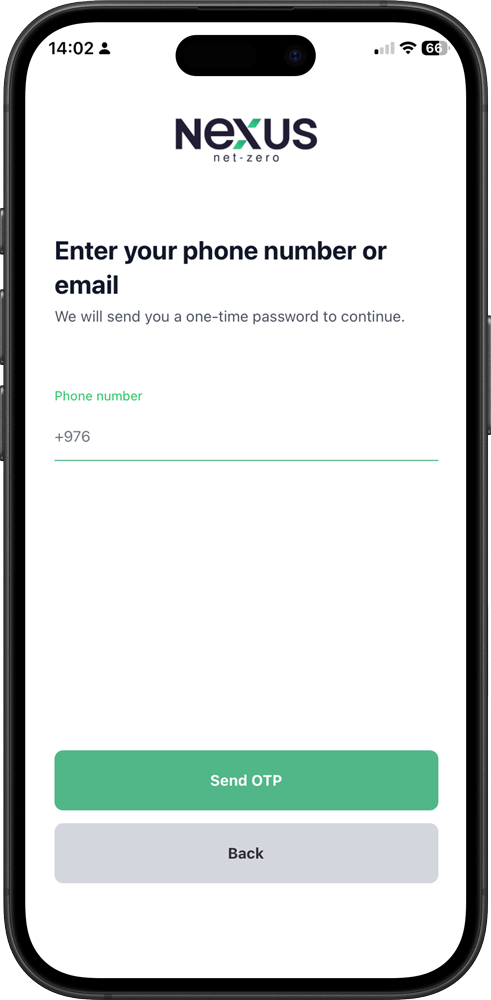
1. Sign in to your account
Enter your phone number or email to continue.
2. Welcome back
Use your 4-digit PIN for quick access.
3. Verify your identity
Request and enter the OTP code sent to your phone number or email.
4. Enter verification code
Enter the 6-digit OTP sent to you.
Charging Process
5. Find charging stations
Browse nearby EV chargers on the map.
6. Scan to start charging
Scan the QR code on the charger to connect instantly.
7. Enter connector ID
Type the connector ID from the charger sticker.
8. Start charging
Tap “Start Charge” to begin.
Payments & Wallet
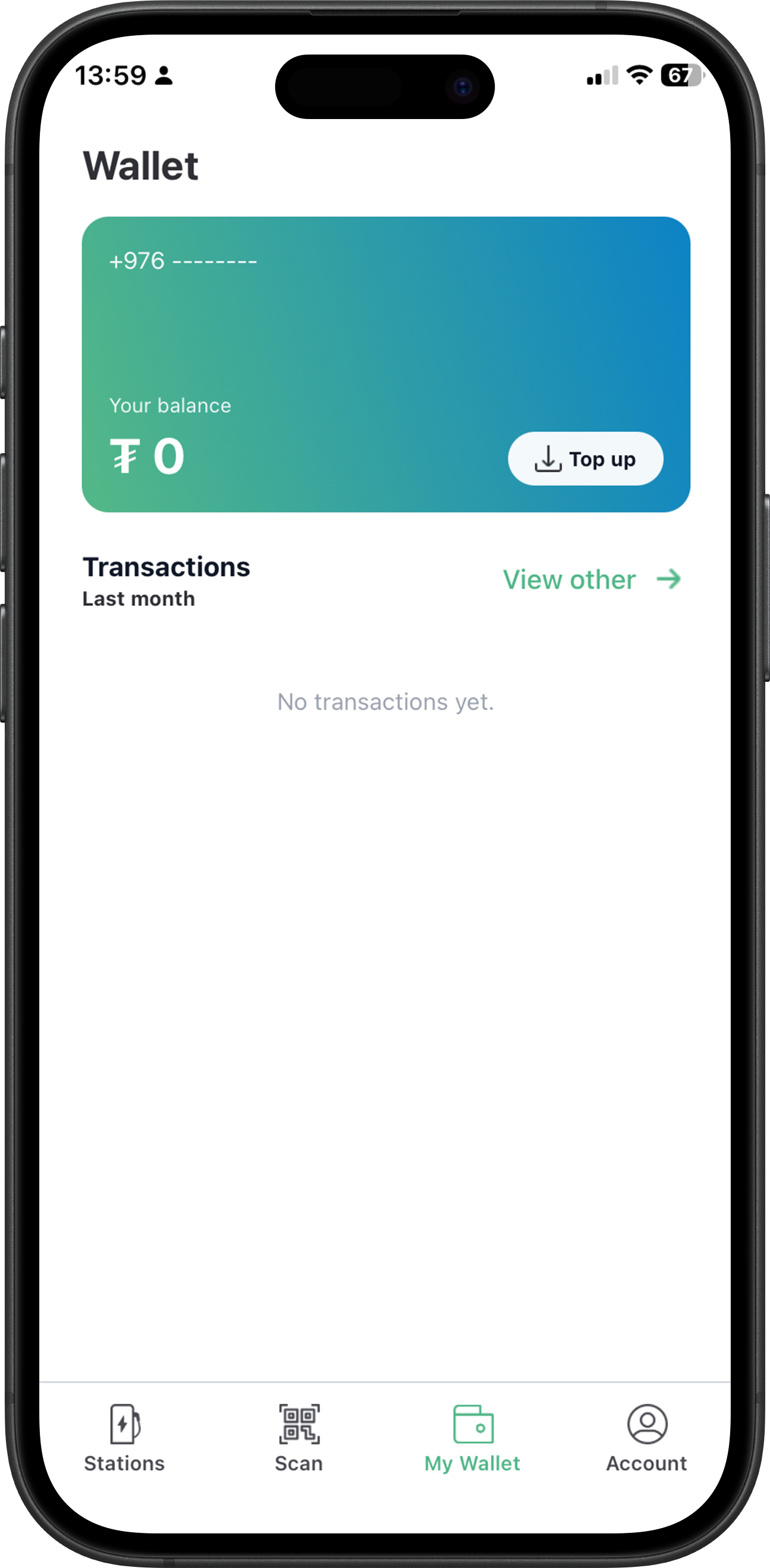
9. Manage your wallet
View balance and transactions. Top up before charging.
10. Add funds
Enter amount or choose a suggested value.
11. Complete your payment
Scan QR or tap “Pay” to open your banking app.
Account Management
12. Manage your account
Access profile, terms & conditions, help & support, or sign out.
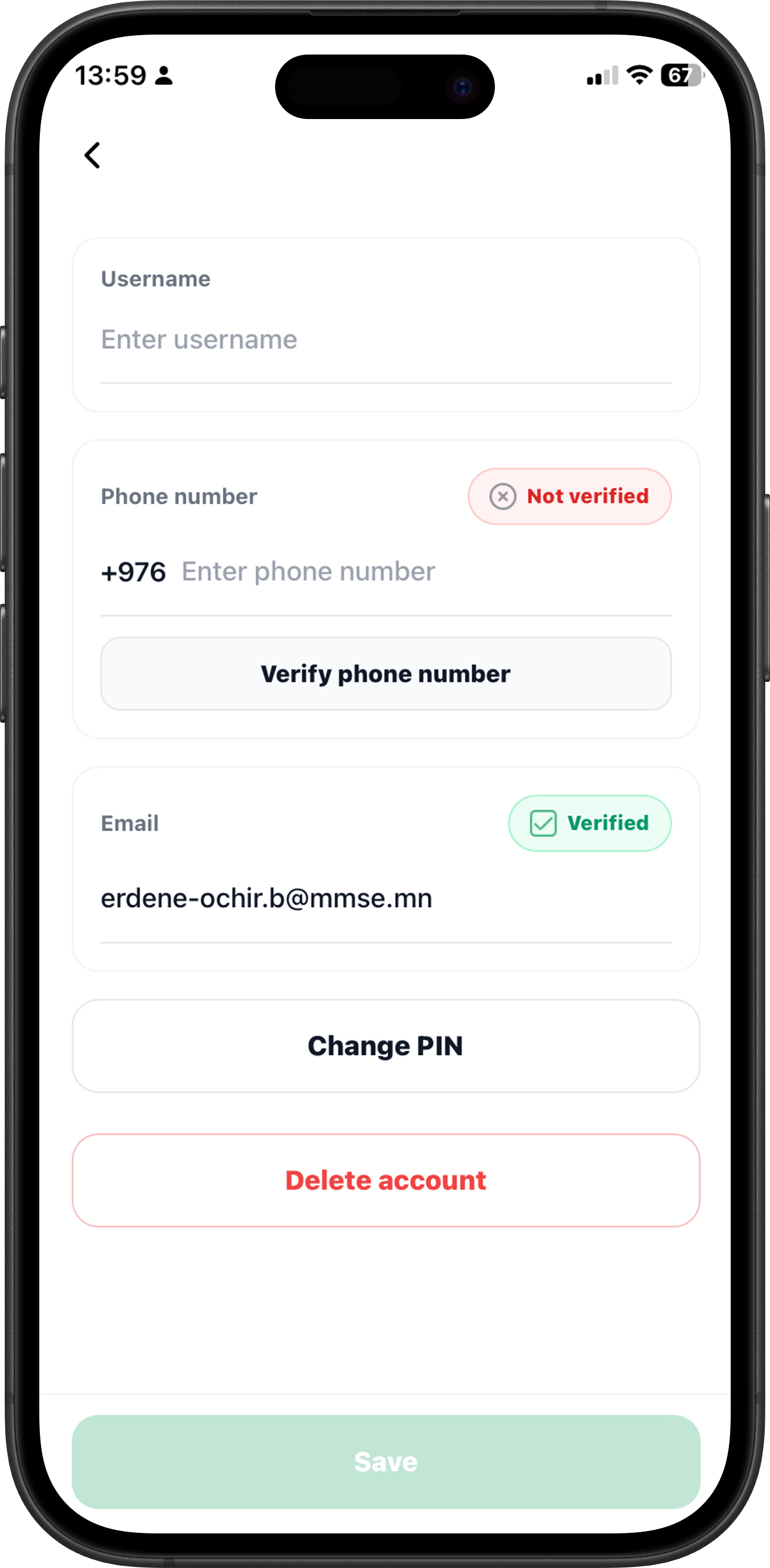
13. Update your profile
Edit username, verify phone/email, change PIN, and manage settings.